More and more issues have been popping up in FC 27 Ultimate Team recently about players automatically changing positions after entering a match, formations getting scrambled, and custom tactics not saving correctly. If you've run into these problems too, below are some temporary workarounds you can try.
What are the main squad formation issues in UT right now?
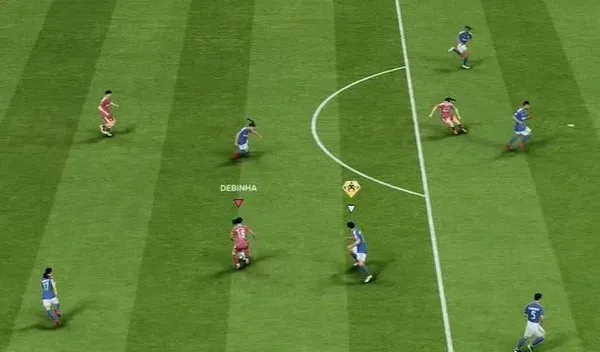
Players automatically swapping positions after kickoff
This is the most common case—two or more players swap positions. For example, a player originally set to CAM shows up at LW or another position after kickoff.
Formation gets scrambled after switching custom tactics
This can happen when you use multiple custom tactics. In the squad management screen, player positions within each tactic set look correct, but after entering a match or switching tactics mid-game, players show up in other positions, completely inconsistent with the formation and tactic setup.
Player positions and tactic settings won't save properly
You readjust player positions in the squad management screen and save, then exit and re-enter—it still shows the previous configuration instead of your new setup.
It may even get to the point where the bench can't be adjusted properly, player roles get scrambled, and the team management function in the pause menu freezes.
How does the problem occur?
Based on reproduction steps provided by players in the FC 27 community and replies from official staff, it's likely due to the following 3 causes.
- Data conflicts between multiple custom tactic sets
- The squad editing entry point affects data saving
- Tactic configuration and the data actually read in matches may be inconsistent
What are the current solutions?
EA's dev team is currently collecting and investigating related issues, and this problem can't be fully fixed yet. If you encounter it in-game, you can try the following.
- Temporarily delete other custom tactics and test whether things return to normal
- Avoid using the quick squad editing entry point before matchmaking
- Readjust the formation and player positions, then exit the squad screen
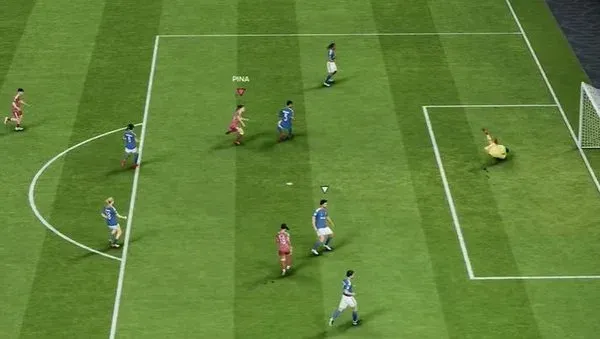
- After switching formations, check whether players are still in their preset positions
- Pause after entering a match to confirm players' actual positions
Using only one custom tactic set for now is a temporary workaround explicitly recommended by EA staff, and it's highly worth trying first. Also, until the issue is fully fixed, create as few tactic sets as possible—just keep one commonly used tactic.